Bose Lifestyle Ultra Soundbar review: A great home theater option all by itself
You won’t feel the need to immediately add a subwoofer to this one. We may receive a commission on purchases made from links. When Bose proclaimed that the Lifestyle Ultra Soundbar was its "loudest…
You won’t feel the need to immediately add a subwoofer to this one.
When Bose proclaimed that the Lifestyle Ultra Soundbar was its "loudest, deepest and most immersive" model yet, I still assumed it would need a subwoofer." Yet when I first connected the company's latest soundbar to my TV, I quickly realized it didn't need the extra bass boost. The combination of CleanBass tech and QuietPort acoustics provide enough low-end tone that you aren't likely to crave an additional, pricey sub. Since the soundbar alone is already $1,099 , that was a welcome surprise.
I get it: There's not a ton of room for innovation when it comes to the design of soundbars. They all have to be elongated and rectangular to be able to contain a collection of drivers without blocking your TV. But there is room for improvement when it comes to the general look of soundbars, and that's where Bose stepped up its game on the Lifestyle Ultra.
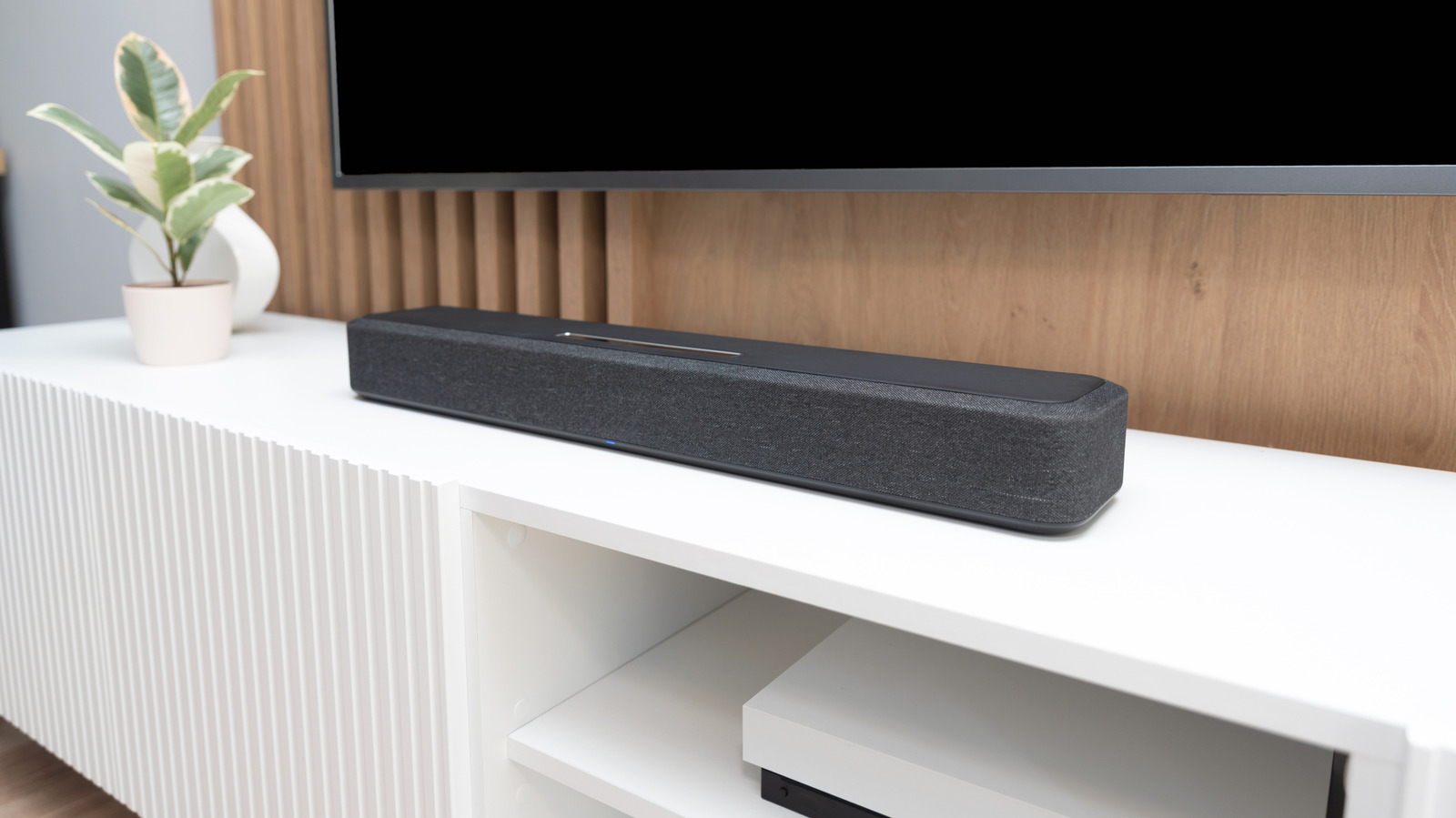
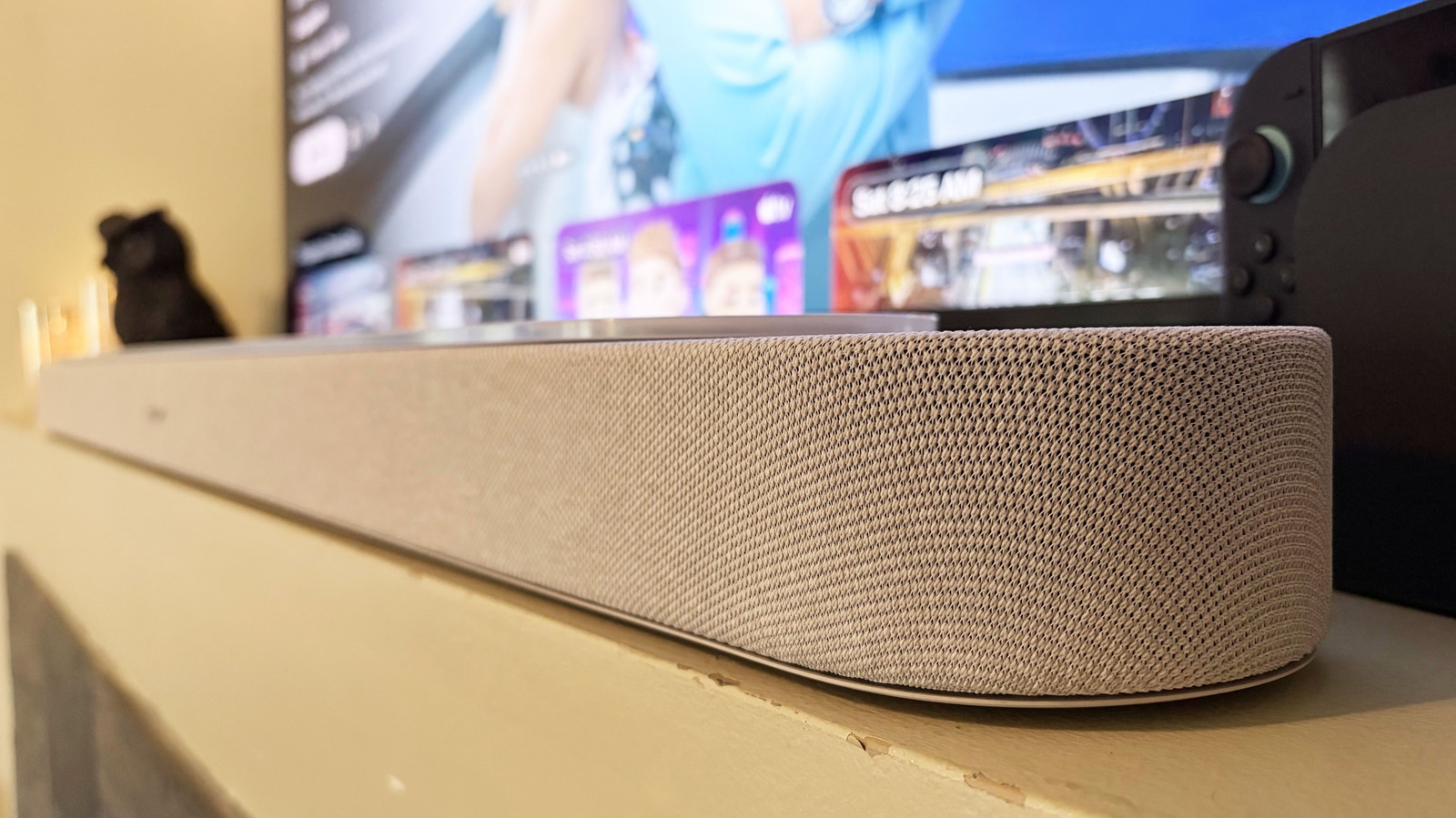
The speaker is short and wide, just like you'd expect, but the textured, knit-fabric grille elevates the overall aesthetic. This is more apparent on the white colorway than the black, and luckily the lighter color is exactly what was sent to me for review. Bose also opted for a glass top where the competition typically uses a plastic panel or just buttons. The glass portion doesn't extend all the way to the edges though, so there's room for the up-firing drivers to do their thing.
Another excellent design choice was the volume controls. Bose installed a touch-enabled, circular panel that allows you to spin your finger clockwise and counterclockwise to raise and lower the volume. You can also just tap the "+" or "-" if you'd rather. There's an area in the middle of the circle that you can tap to play, pause or skip tracks, as well as touch-based controls for Bluetooth, disabling the soundbar's microphone and summoning Alexa. All of that is positioned on the right side of the glass panel.
Inside, Bose arranged a collection of nine drivers for the Lifestyle Ultra Soundbar's acoustic architecture. There are six full-range drivers, two of which are up-firing and the other four are front facing. Additionally, a center-mounted tweeter assists with dialogue clarity, while two so-called PhaseGuide drivers spread sound horizontally. To calibrate all of that for your living room, Bose's CustomTune feature uses the microphone in your Android or iOS device to analyze the space (speaker layout, surfaces and seating) and optimize the soundbar's output.
Like most soundbars these days, the Lifestyle Ultra only has a single HDMI eARC input. This isn't a problem per se, but if you need HDMI 2.0 passthrough for things like game consoles, just note that it's not available here.
The Lifestyle Ultra Soundbar is very much a plug-and-play device. Once you connect it to power and your TV, it's ready to go. However, you'll want to download the Bose app and run the CustomTune audio calibration ASAP to tailor the soundbar's output to the acoustics of your living room or home theater space. Of course, if you add either the Lifestyle Ultra Subwoofer or Lifestyle Ultra Speakers to the soundbar, you'll need to repeat the CustomTune process.
Read Full Story at Engadget →